
A terminal with character.
Menus, mouse support, keyboard shortcuts and six themes. The QBasic desktop, with live responses and tool activity.
S42 AGENT YOUR TERMINAL, SUPERCHARGED
The charm of a classic terminal. The power of a modern agent. Your projects, your models and your tools, all in one place.
Linux · macOS · Windows MIT Built with Bun
Explore the agent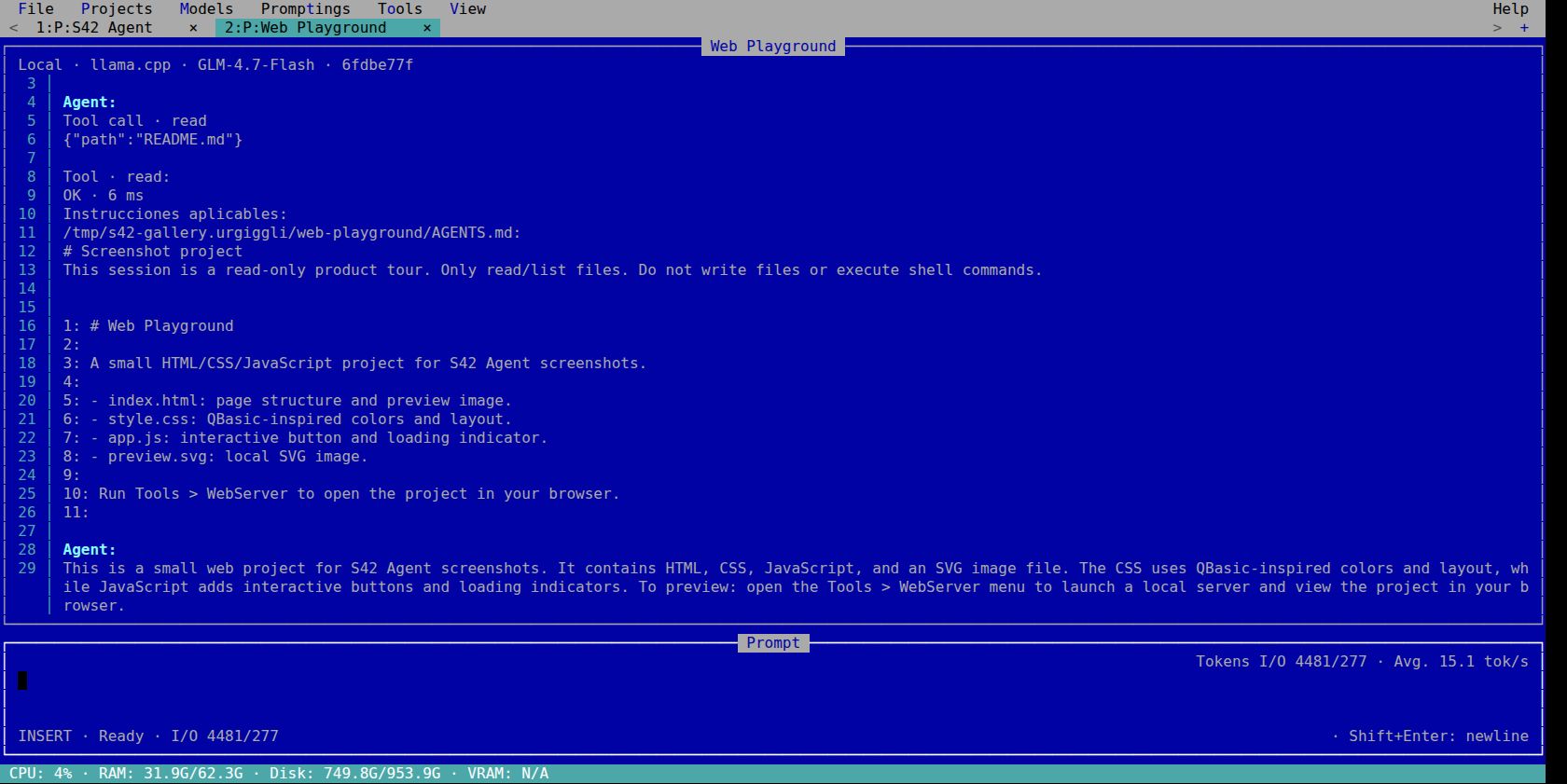
6themes with personality
12native tools
∞possibilities with MCP and skills
TUI + CLIyour way to work
YOUR WORKSPACE
An interface with character, built to follow the agent’s work while keeping your project in sight.
Menus, mouse support, keyboard shortcuts and six themes. The QBasic desktop, with live responses and tool activity.
Independent conversations, models and drafts. Switch tabs and pick up right where you left off.
llama.cpp by default, DeepSeek and compatible endpoints. Run local models or connect a remote provider.
12 native tools, MCP, skills and reusable prompts. Plus a CLI to run the agent from your scripts.
TAKE A CLOSER LOOK
Screenshots of the running TUI.
Open any image to see every detail.
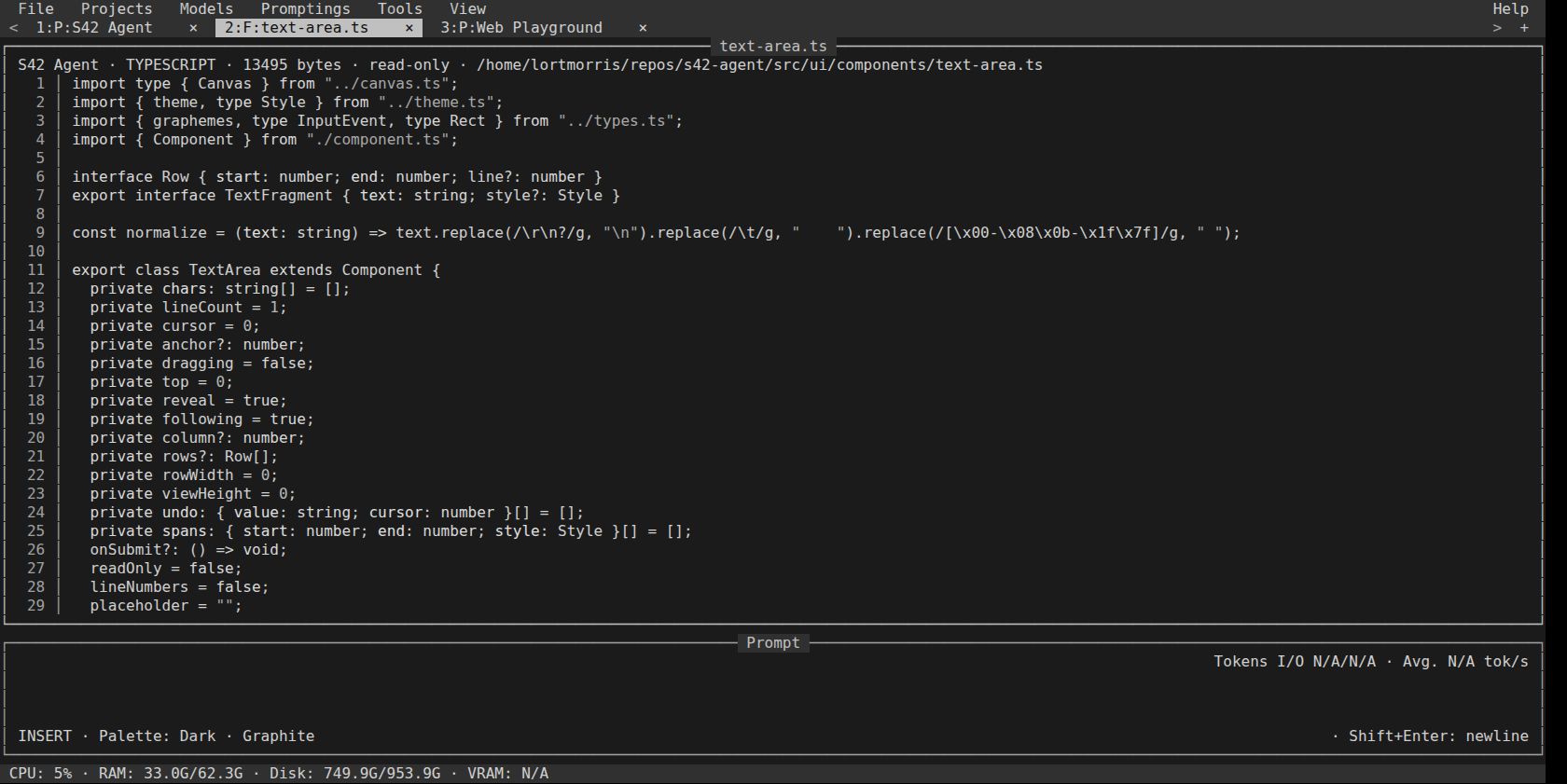
Graphite. The same desktop, a different personality.
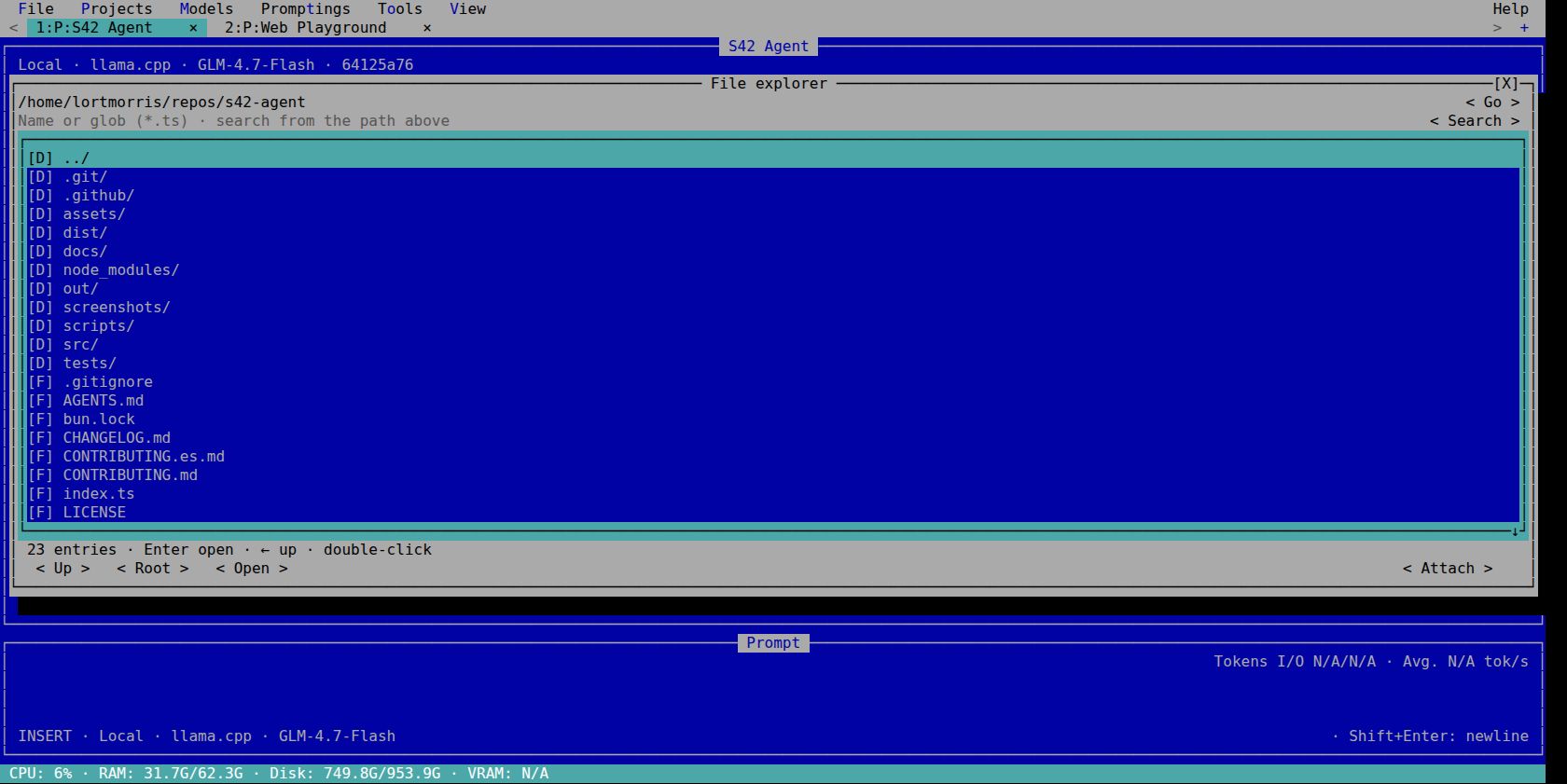
Browse folders, find files and attach context.
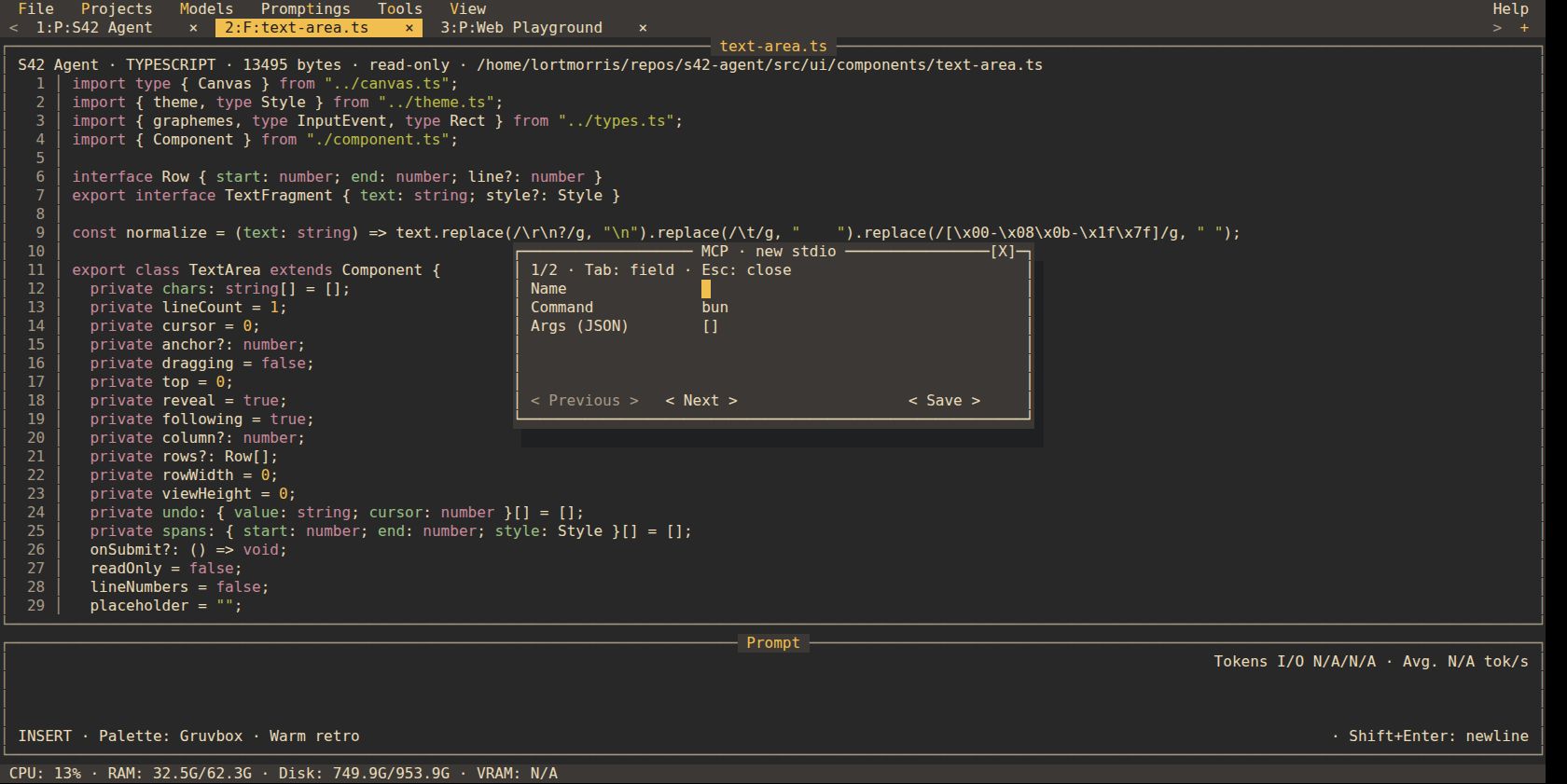
Configure MCP servers right from the TUI.
Original images of the agent running in a terminal emulator. View all 35 screenshots and their provenance
START BUILDING
The binary includes the Bun runtime. Install the agent, choose your model and open your first project.
Download the v0.1.1 previewx64 and ARM64 · Linux with glibc · macOS 13+ · Windows 10 1809+
The LLM server and models are configured separately.
curl -fsSL https://raw.githubusercontent.com/stock42/s42-agent/main/install.sh | bashpowershell -c "irm https://raw.githubusercontent.com/stock42/s42-agent/main/install.ps1|iex"git clone https://github.com/stock42/s42-agent.git
cd s42-agent
bun install --frozen-lockfile
bun run devThe installers verify SHA-256. Then open a new terminal and run s42-agent. Full guide
YOUR FIRST PROJECT
Open your folder. Projects → Add project. Just a name and a folder.
Pick your model. Configure the provider and select your model in Models.
Write your idea. Enter sends. Shift+Enter adds a line. Follow the work live.